Open place-maker.html. The local HTML, stylesheet and script travel together. No installation, account, external request, model/API, tracking, microphone, camera or persistent browser storage is used by this tool. An open page keeps parts only in memory. No names or private details are needed. Closing/reloading loses the plan unless you save its SVG drawing; saved SVG is a viewable drawing, not an importable editing session.
Actually use it
- Choose Looking, Arriving, Stories or My own job; optional own words fit up to60 characters. A child can say their job to an adult rather than type. The open drawing begins empty.
- Choose a drawing square, then Picture display, Broad wall part, Welcome mark or Pretend visitor and Add here. New solid parts replace an existing solid part in that square. A visitor can share a display/welcome square, but the software will not place it on a wall square. This simplified grid rule is not a physical access test.
- Move the visitor with the four direction buttons. It stays inside the3×5 drawing and cannot enter a wall square by software rule. A message describes each actual digital event; no user comfort, building strength, material performance or physical making is inferred.
- Remove here clears parts/visitor at the selected square. Undo restores the previous part/visitor change; the job and selected square stay the same. Up to100 such changes are retained in this open page. New drawing clears parts and can be undone; it keeps the job.
- Save my drawing requests an SVG download with original teaching/software attribution, purpose and a complete drawing description. Browser download settings may need attention. The same exported drawing is shown inline under Your drawing to keep, so no new tab or generated-URL navigation is needed to inspect it. The preview stays the last exported drawing even if you later change the plan; save again to update it. Closing/reloading loses the unsaved maker and temporary preview. Confirm the actual downloaded drawing before saying it saved; the interface message is only a request acknowledgment. Own contributions retain their rights; the original teaching/software terms stay attached. Own job labels wrap across heading lines within the60-character input limit.
All squares and actions are ordinary labelled buttons/selects/inputs: use pointer or normal keyboard Tab/Enter/Space; no dragging, timed challenge, keyboard shortcut or precise gesture is required. The live status announces outcomes. Colour is accompanied by symbols, coordinates and accessible part labels. Mobile and actual assistive-access checks are separate evidence, not promised by the markup alone. With JavaScript unavailable, the page offers a paper choice sheet · Complete terms and full text descriptions; drawing functionality itself needs JavaScript.
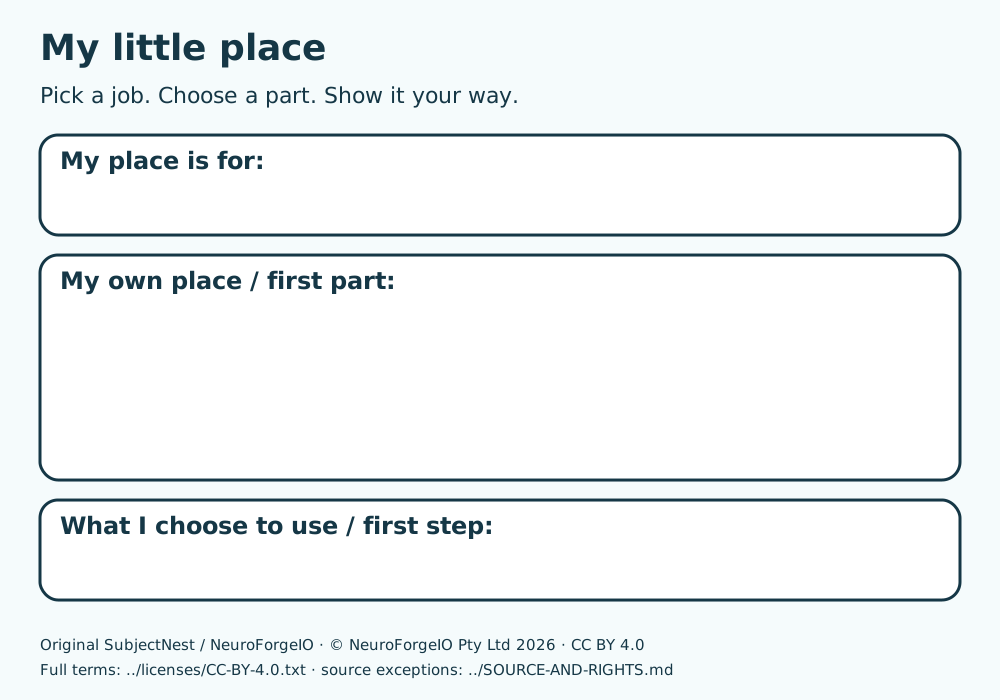
Keep teaching and evidence clear
Capture first child-owned ideas before showing ordinary adult comparison models or feedback. Do not open a staff key or other held form beside the learner. The Place Maker is ordinary practice; it never replaces a selected held source/own response edition. A child communicates a plan and may observe actual software moves. Real physical materials/actions require the educator’s local preparation, and real willingness/words/familiarity require actual local evidence. No API assistant quality or spoken narration is established here.
Original educational labels/text © NeuroForgeIO Pty Ltd2026, CC BY4.0 · Complete terms; original implementation Apache-2.0 · Complete terms. Credit SubjectNest / NeuroForgeIO and identify changes; source exceptions stay attached. At source-author stage whole-source critique, native print production and site deployment are pending.